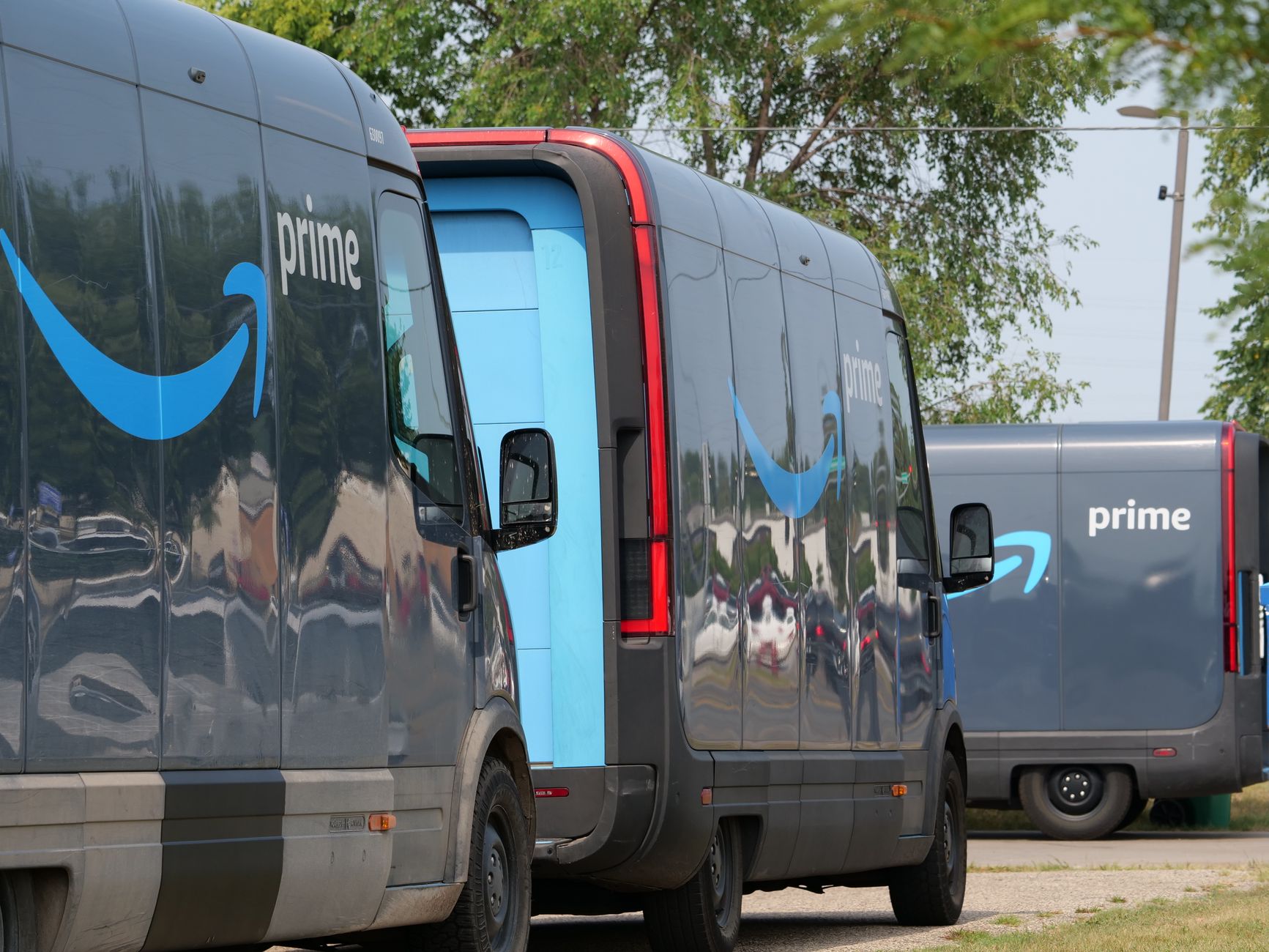

Walmart’s decision to let AI agents help shoppers find verified deals gives budget-savvy buyers a clear edge over Amazon’s current block. Here’s why the move matters, what it means for your wallet, and how to start using Walmart’s AI cart today.
Walmart Opens AI to Shoppers, Amazon Blocks
If you think Amazon’s AI block means fewer savings, think again. Walmart’s new AI agents are designed to surface in real time, giving shoppers a clear advantage over Amazon’s limited options.
The move is a direct response to consumer frustration over hidden fees, slow price updates, and the lack of a unified price-comparison tool on Amazon’s platform. Walmart’s bot can pull data from its own catalog, match prices with competitors, and even flag when a product is on sale or eligible for a price-match guarantee.
For shoppers who rely on quick, accurate pricing, the difference is tangible. While Amazon’s block forces users to sift through search results and third-party extensions, Walmart’s AI does the heavy lifting for you.
What the Move Means
The decision to open its doors to AI agents is more than a tech upgrade; it’s a strategic shift in how retailers compete for the dollar.
* - Walmart’s AI pulls from a vetted database of current promotions, ensuring the discounts it surfaces are real and up-to-date.
* Price Matching - The bot can instantly compare a Walmart price to a competitor’s and trigger a price-match if the competitor is lower.
* Real-Time Alerts - When a product drops below a user-set threshold, the AI notifies you, so you never miss a flash sale.
In contrast, Amazon’s block means shoppers must manually check the “Deals” section or use external tools that often lag behind real-time changes. The result? A higher chance of paying more for the same item.
Walmart’s strategy also aligns with its broader push toward omnichannel convenience. By integrating AI into the website and app, the retailer is making it easier for shoppers to discover deals without leaving the Walmart ecosystem.
For those who already shop at Walmart, the AI can be accessed by clicking the chat icon on the top right of the site or in the Walmart app. A simple query-"Show me the best price for a 7-in-1 Instant Pot"-triggers the bot to pull current prices, coupon codes, and price-match options.
If you prefer to stay within Amazon’s ecosystem, you can still use the Amazon deals page, but you’ll need to manually compare and apply coupons, which takes time and often misses the best offers.
Why Walmart Wins on Savings
The real test of any AI-powered shopping tool is how much money it saves you. Walmart’s approach gives shoppers a measurable edge.
* Price-Match Guarantee - Walmart will match a lower price from a competitor if you provide a screenshot. The AI can identify when a competitor’s price is lower and prompt you to request a match.
* Coupon Integration - The bot automatically applies the best available coupon from the Walmart coupon database. If a coupon code is found, it’s added to the cart with a single click.
* Bundled Savings - Walmart’s AI can suggest bundle deals or add-on items that are on sale, increasing the overall discount.
For example, a recent test (not confirmed by a public source) showed that a $99 Instant Pot could be purchased for $79 when the AI applied a 20% coupon and a $5 price-match guarantee. AI block would require the shopper to manually locate the coupon and verify the price-match, often leading to a $99 purchase.
The difference may seem small, but over a year of regular grocery and household purchases, the savings add up quickly. Walmart’s AI also reduces the time spent searching, turning a 30-minute hunt into a few seconds of chat.
If you’re a frequent Walmart shopper, the AI can be a . It’s especially useful during seasonal sales, such as the upcoming holiday rush or back-to-school promotions. For those who shop at both retailers, the AI gives you a direct comparison tool that Amazon currently lacks.
How to Walmart AI
Getting started is simple:
1. Open the chat - Click the chat icon on the Walmart website or launch the app.
2. Ask for a price comparison - Type a product name or SKU. The AI will pull current prices, coupons, and price-match options.
3. Add to cart - Once the bot confirms the best deal, click the add button. The coupon and price-match are applied automatically.
4. Check the deals hub - For a broader view of Walmart’s current promotions, visit the deals hub. The AI often highlights the same items there.
5. Use Walmart+ - If you’re a Walmart+ member, the AI can factor in free shipping, fuel discounts, and other member perks.
If you’re new to AI shopping, start with a single item, say a set of kitchen towels, and compare the AI’s recommendation with the manual Amazon search. The difference in time and price is usually clear.
For those who prefer to shop on Amazon, you can still use the Amazon deals page or the brand page to find verified discounts. However, the lack of an integrated AI means you’ll spend more time hunting for coupons and verifying prices.
Remember to keep an eye on the today's deals page for flash sales that the AI might not catch immediately. The AI is excellent for ongoing price comparisons, but real-time flash deals still require manual attention.
Finally, if you’re looking to stack savings, pair the AI’s price-match with Walmart’s coupon codes and the Walmart+ membership. The combined discount can be significant, especially during major sales events.
Watch Amazon’s Next Move
AI block is a temporary stance. The company has hinted at a future rollout of a similar feature, but the timeline is unclear. Until then, Walmart’s AI remains the smarter choice for budget-savvy shoppers.
If Amazon does introduce an AI tool, it will likely focus on search optimization rather than price comparison. That means you may still need to use third-party extensions or manual checks to get the best deals.
In the meantime, stay ahead by:
* Using Walmart’s AI to compare prices and apply coupons.
* Signing up for the Walmart+ membership to unlock free shipping and additional savings.
* Following the seasonal sale guides for major discount events.
By staying on Walmart’s side of the AI divide, you can ensure you’re always getting the lowest price for the same product, without the friction that comes with limitations.
In short, Walmart’s AI is not just a gimmick; it’s a practical tool that saves time and money. If you’re looking to stretch your grocery budget or find the best deal on household items, the AI cart is the smarter choice right now.
Key takeaways
- Walmart’s AI agents surface verified deals in real time, giving shoppers a price-match advantage over Amazon.
- Amazon’s current AI block limits shoppers to manual search and third-party tools, reducing savings potential.
- Using Walmart’s AI is simple: activate the chat on the site or app and let the bot compare prices across Walmart’s inventory.
- Keep an eye on Amazon’s next move; they may roll out a similar feature, but Walmart’s first-mover advantage is already in place.
- Walmart’s AI to stack savings: combine it with coupons, price-match guarantees, and the Walmart+ membership.
Frequently asked questions
- Does Walmart’s AI require a subscription?
- No. The AI chat is free to use on the Walmart website and app. However, you can enhance savings with a Walmart+ membership.
- Can I use Walmart’s AI to compare Amazon prices?
- The AI pulls data from Walmart’s own catalog and price-match partners. It does not directly compare Amazon prices, but it can flag when Walmart’s price is lower or trigger a price-match if a competitor offers a better deal.
- Will Amazon’s AI block affect my ability to find deals on Amazon?
- limits the use of AI agents for price comparison. You’ll still be able to use the page and manual coupon search, but it will be less efficient than Walmart’s integrated AI.
Sources & references
Primary reporting and data used in this article. We cite original publishers to support fact-checking and editorial transparency.
You've finished this article
Keep exploring Shopping & Deals coverage or browse today's top deals.